
Draft an Offer
A signed buyer’s agreement moves the lead from QUALIFIED to COMMITTED. From here, the relationship is exclusive — they’ve chosen you, and the pipeline reflects that change in posture.
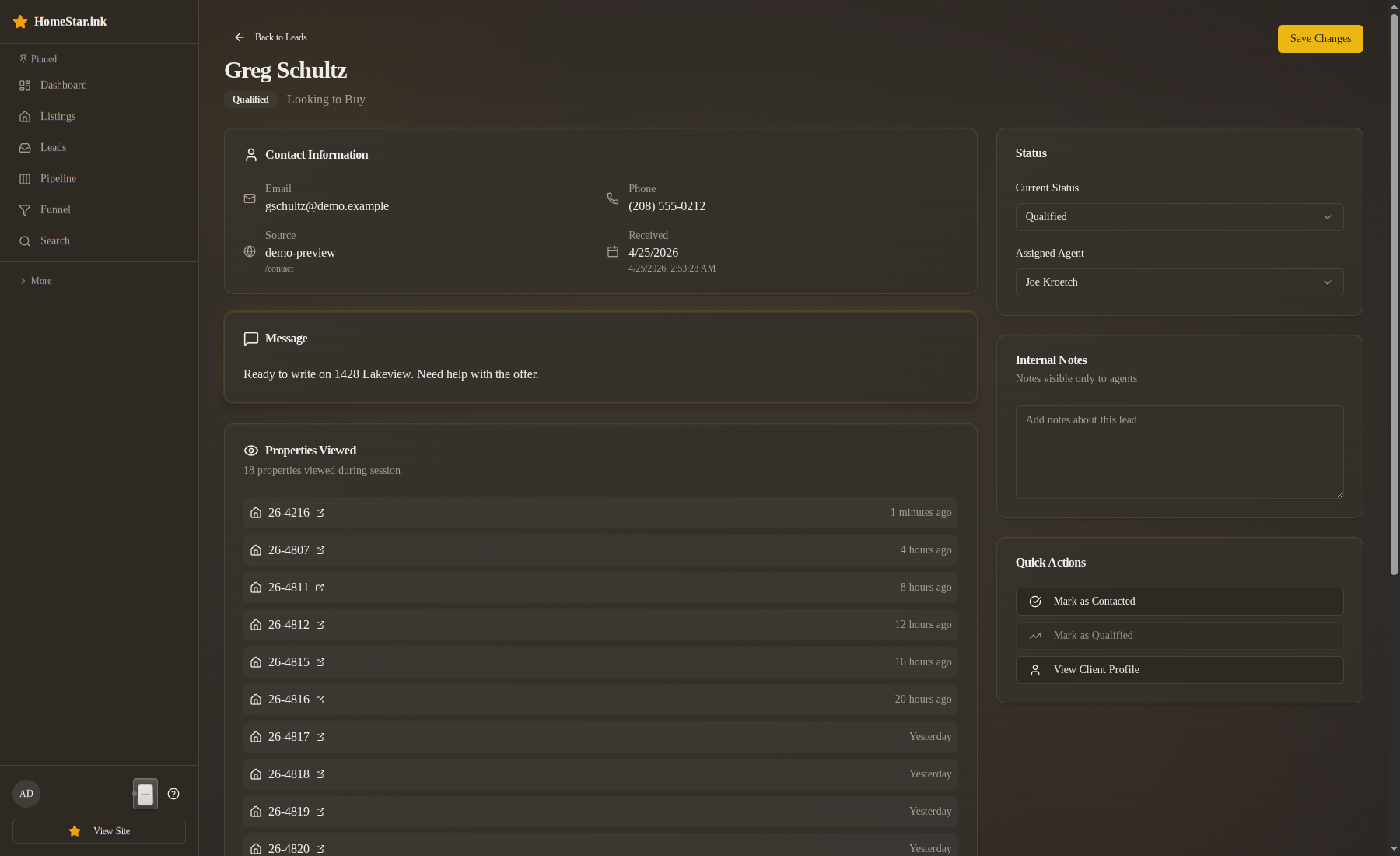
- Open the lead’s detail page from the QUALIFIED column.
- In the Lifecycle card, under Next step, click Buyer agreement signed. The button reads “Buyer agreement signed → Committed”.
- In the dialog’s Note field, add the signed-document reference (DocuSign envelope ID, document URL, or file reference your brokerage uses). There is no separate field for it; the note is where it lives.
- Click Buyer agreement signed.
What changes after the transition
Section titled “What changes after the transition”- The card moves from QUALIFIED to COMMITTED on the board.
- The timeline records a Buyer agreement signed row,
Qualified → Committed, with the document reference quoted under it and your name as the actor. - The relationship posture changes: you’re now running their buying process, not pitching for it. Drips and matching listings designed for the searching/touring phase should stop in favor of manual, transactional outreach.
- The legacy
buyer_statusprojects tooffer_pending.
A worked example
Section titled “A worked example”Marcus Williams has been Hot in QUALIFIED for weeks. After a Saturday showing he signs the buyer’s agreement on the property. Open his card, click Buyer agreement signed, paste the DocuSign envelope ID into the note, and submit. If he signed on Saturday and you are entering it on Monday, turn on This happened earlier… and set Saturday’s date so the timeline shows when it really happened.
His board column changes. The next agent who looks at his card sees a COMMITTED state and the signed-doc reference on the timeline — they know there’s a transaction in motion without needing to ask.
If the agreement isn’t signed yet
Section titled “If the agreement isn’t signed yet”Don’t fire the transition early. A handshake or a verbal “we’re going with you” is not COMMITTED. Keep the lead in QUALIFIED until the document is signed. The state machine treats COMMITTED as a hard transition with audit consequences, and a premature move shows up in dashboards as a COMMITTED lead with no document — easy for a broker to spot.
What this is NOT
Section titled “What this is NOT”- Not the offer event itself.
COMMITTED → IN_CONTRACThappens when the contract is executed — offer accepted, escrow opened. That’s a separate state change. - Not a temperature change. Marcus’s score stays where it is.
- Not a reassignment. The lead remains with you.
What comes next
Section titled “What comes next”The forward path is COMMITTED → IN_CONTRACT via contract_executed, then IN_CONTRACT → CLOSED via closing_complete. If the deal collapses before contract, the path back to QUALIFIED is documented separately — see handle a deal collapse.
If the lead is a seller
Section titled “If the lead is a seller”The same step on a seller lead is Listing agreement signed. It moves the card from QUALIFIED to COMMITTED just the same, and the note is where the signed listing agreement reference goes. Once the listing goes active on the MLS, record Listing is live; that adds a timeline row without changing the column. From COMMITTED the forward move is Offer accepted, and the setback is Listing withdrawn, which asks for a reason. The buyer buttons never appear on a seller card. See the seller pipeline.
Related
Section titled “Related”- Close a deal — the
IN_CONTRACT → CLOSEDstep - Handle a deal collapse — if the buyer’s agreement or contract falls apart
- State machine card — full transition list including reverse edges